

Overview
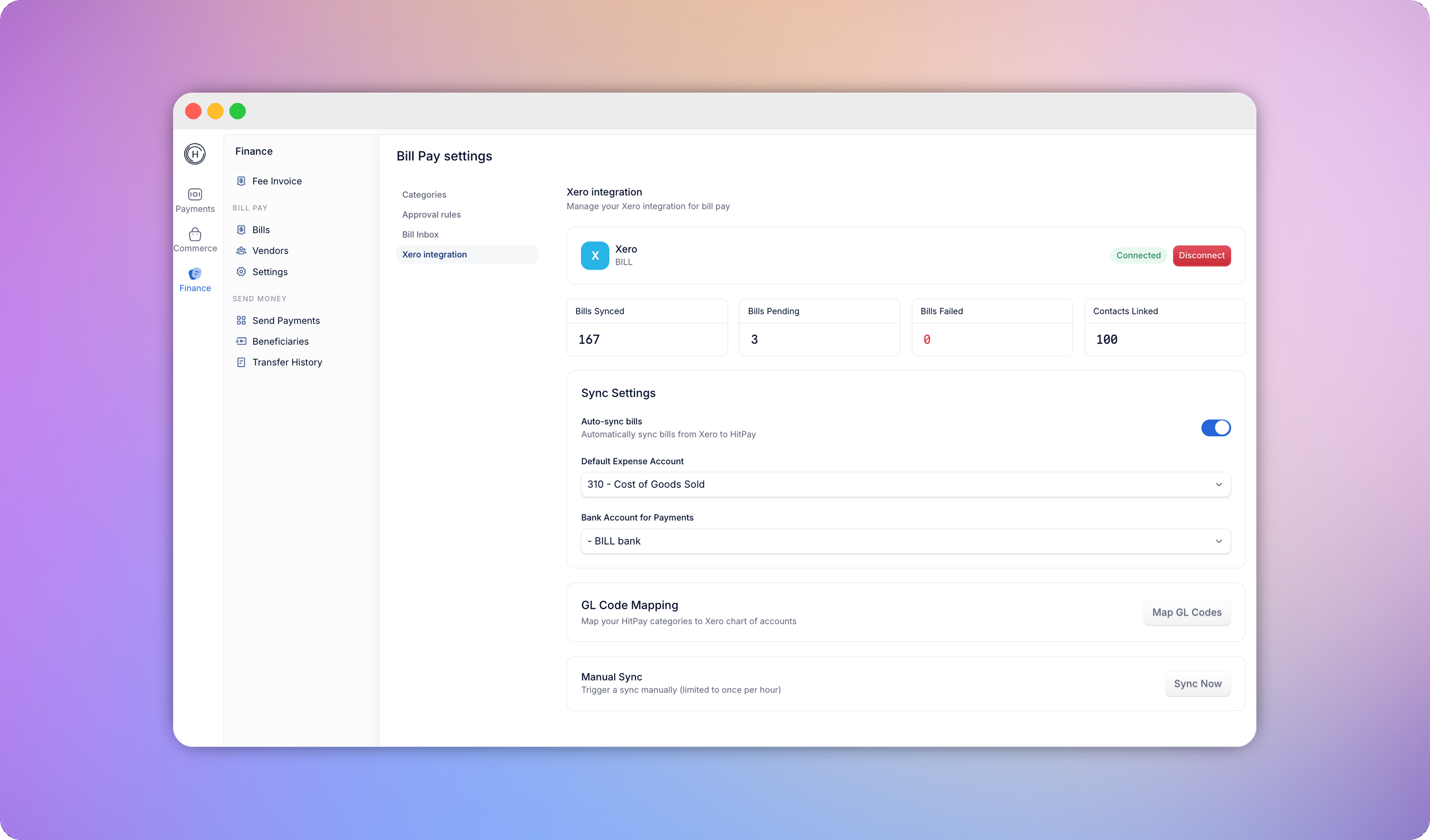
Connect Bill Pay to Xero to keep your vendors, bills, and payments in sync without double entry. Once connected, you can:- Import your existing Xero suppliers as HitPay vendors
- Have new HitPay vendors pushed to Xero automatically
- Map your HitPay bill categories to your Xero chart of accounts
- Have approved bills appear in Xero as bills, with the right vendor and account code
- Have payments recorded in Xero automatically once a bill is paid
Connecting Xero
Go to Settings > Connections and click Connect BillPay Xero to start the OAuth flow.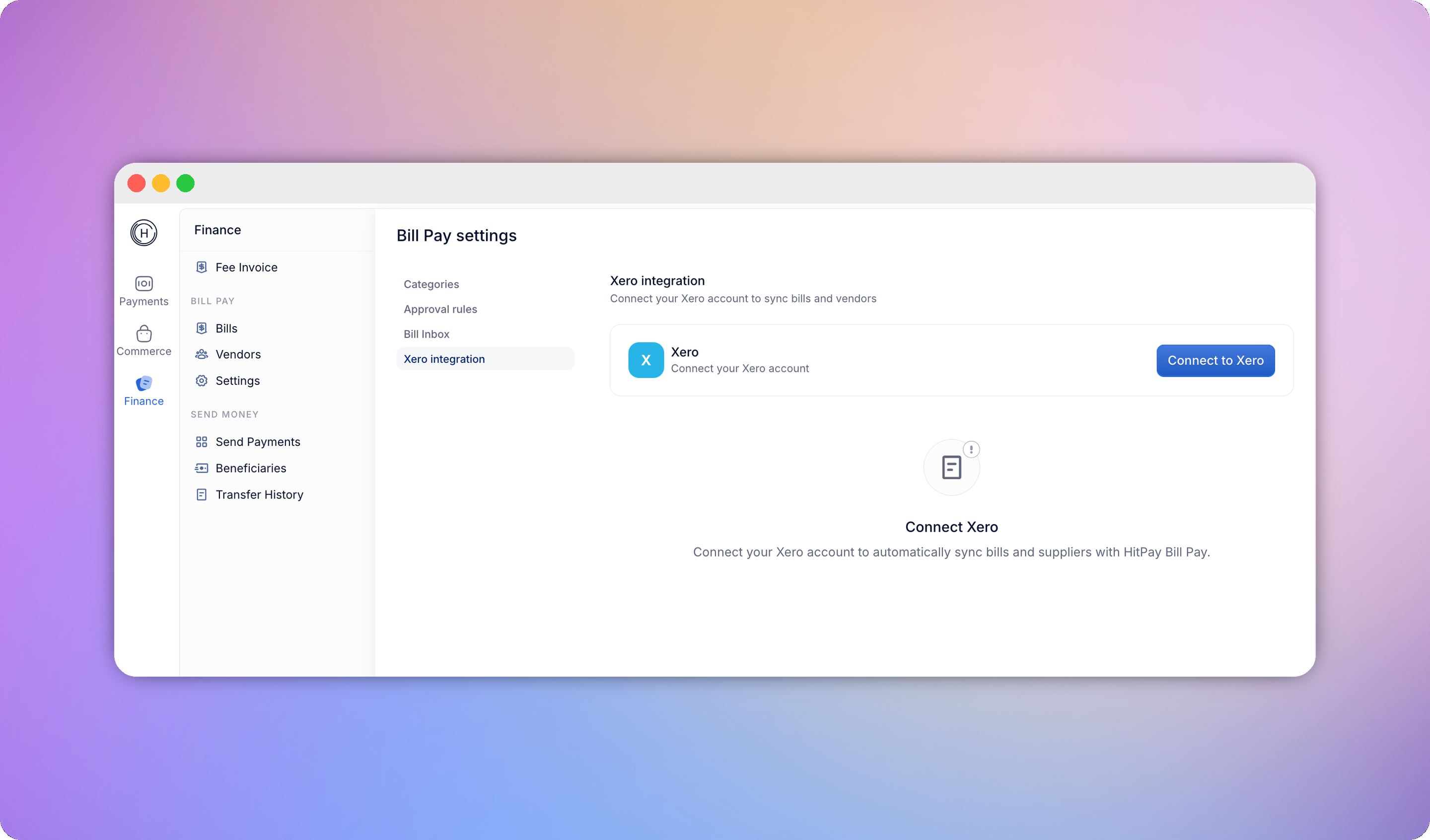
Vendor sync
- Vendors imported from Xero are read-only in HitPay. To change one, edit it in Xero and re-sync.
- Vendors created in HitPay push to Xero automatically on create and update. If a Xero contact with the same name already exists, HitPay links to it instead of creating a duplicate.
- Only Xero contacts marked as suppliers are imported - customer-only contacts aren’t relevant to Bill Pay.