

Overview
Setup
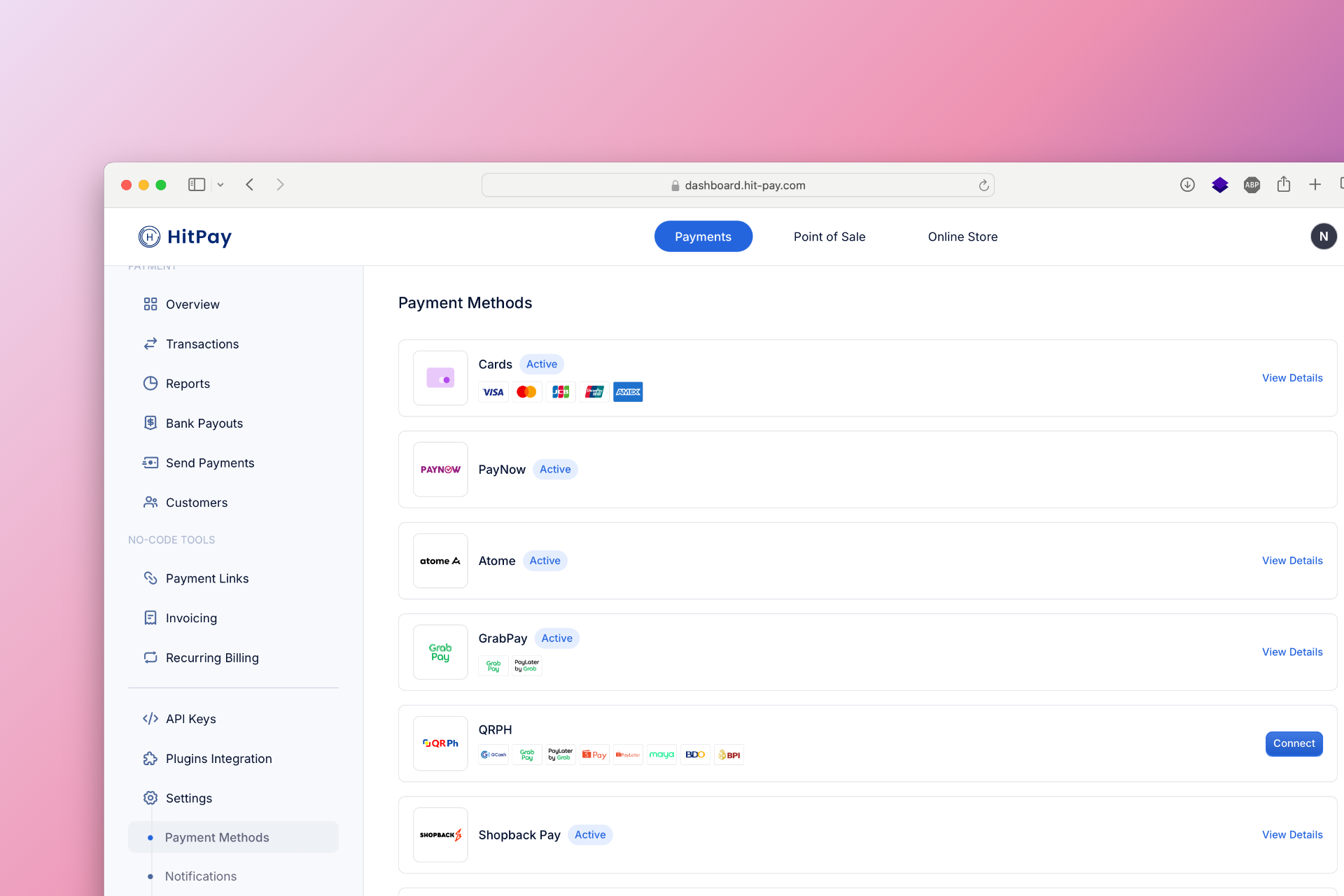
To set up GCash as a payment method, follow these steps:- Navigate to Settings in your HitPay dashboard.
- Click on Payment Methods.
- Enable GCash and configure the necessary options.
Recurring Payments (Cross-Border)
GCash supports recurring payments for subscriptions, memberships, and other recurring services. Customers in the Philippines link their GCash wallet once, and future payments are collected automatically on your billing schedule. GCash recurring is a cross-border payment method, so it’s available to merchants in every HitPay market, including the Philippines. Customers pay in PHP, and you settle in your home currency. To enable GCash for recurring payments:- Navigate to Payment Methods in your dashboard.
- Click on GCash.
- Select Enable Recurring Payments.
- Submit the required documentation.
Developer Section
FAQs
Can I refund a recurring payment?
Can I refund a recurring payment?
Yes. You can refund a GCash recurring charge within 30 days, the same way as any other GCash payment. Go to Transactions, open the charge, and click Refund, or use the Refund API. Refunds are deducted from your HitPay Balance, so make sure you have enough balance. Transaction fees are not refunded. See Refunds and Chargebacks for details.
What billing cycles are supported?
What billing cycles are supported?
GCash supports fixed billing cycles only: weekly, monthly, yearly, or a custom cycle (for example, every 2 weeks). Save card billing, where you save the customer’s GCash wallet and charge it later on demand, is not supported.
What happens when a payment fails?
What happens when a payment fails?
If a renewal payment fails, the subscription moves to Retrying status and HitPay automatically tries to charge the customer for up to 7 consecutive days. If all retries fail, the subscription becomes inactive or is cancelled, depending on your subscription settings. Subscribe to the
charge.failed webhook to be notified of failed payments as they happen.Can customers cancel or unlink their GCash?
Can customers cancel or unlink their GCash?
Yes. Customers can unlink HitPay from their GCash wallet at any time in the GCash app:
- Open the GCash app.
- Tap Profile at the bottom right.
- Select Subscription Center.
- Choose HitPay.
- Tap Unlink and confirm.
Can I change the subscription amount or plan?
Can I change the subscription amount or plan?
Yes. You can update the amount, plan, or billing details of an active subscription from your dashboard or with the Update Recurring Billing API. Amount changes apply from the next charge onwards. You can also pause and resume a subscription. See Subscriptions for details.
How do I know my subscribers are being billed correctly?
How do I know my subscribers are being billed correctly?
Each subscription in Recurring Billing > Subscriptions shows its status, next charge date, and transaction history. Every successful charge also appears in Transactions. To track billing in your own system, subscribe to the
charge.created and recurring_billing.subscription_updated webhooks.Are there GCash wallet limits?
Are there GCash wallet limits?
Yes. HitPay accepts GCash recurring charges of up to PHP 999,999.00 each. GCash also sets its own wallet and transaction limits based on each customer’s account verification level. If a renewal charge is more than the customer’s remaining limit or wallet balance, the payment fails and follows the retry process above. For higher-value plans, such as yearly billing, encourage customers to fully verify their GCash account. See the GCash Help Center for current GCash limits.
Is my customers' payment data safe?
Is my customers' payment data safe?
Yes. Customers authorise recurring payments directly in GCash, so HitPay never sees or stores their GCash login details. HitPay encrypts data in transit and at rest and is PCI-DSS compliant. See Security for details.