Overview
Setup
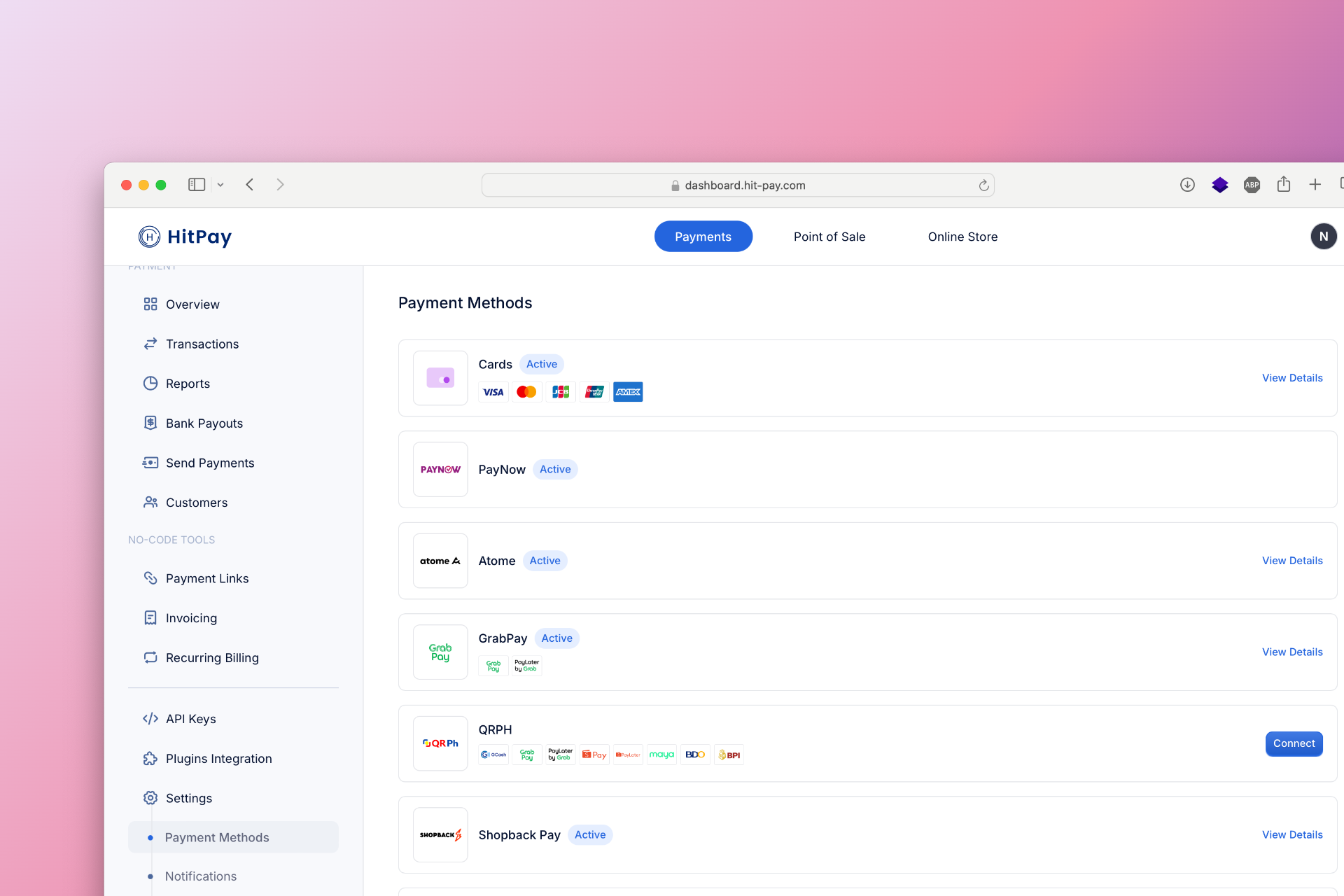
To set up Over The Counter (Bayad, ECPay, Palawan, Instapay) as a payment method, follow these steps:- Navigate to Settings in your HitPay dashboard.
- Click on Payment Methods.
- Enable Online Banking and OTC and configure the necessary options.