> ## Documentation Index
> Fetch the complete documentation index at: https://docs.hitpayapp.com/llms.txt
> Use this file to discover all available pages before exploring further.
# Inviting Users
> The User Management feature in HitPay allows you to efficiently control access and permissions for your team members within your HitPay account. This provides you with the tools to seamlessly invite new users, designate their roles, and customize their interactions with the system.
## Overview
HitPay provides a comprehensive user management system accessible directly from the HitPay dashboard under **Settings > Staff**.
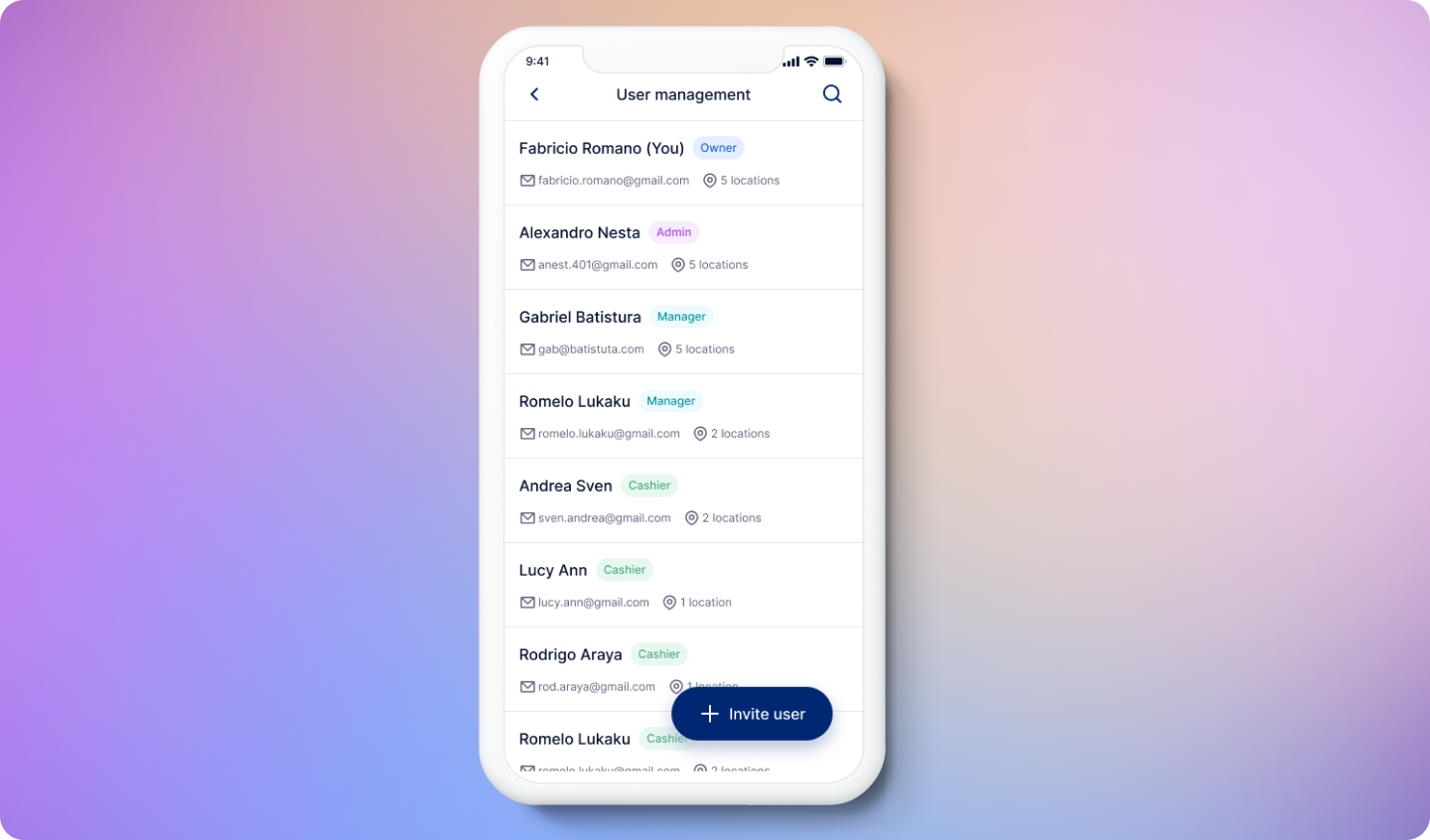
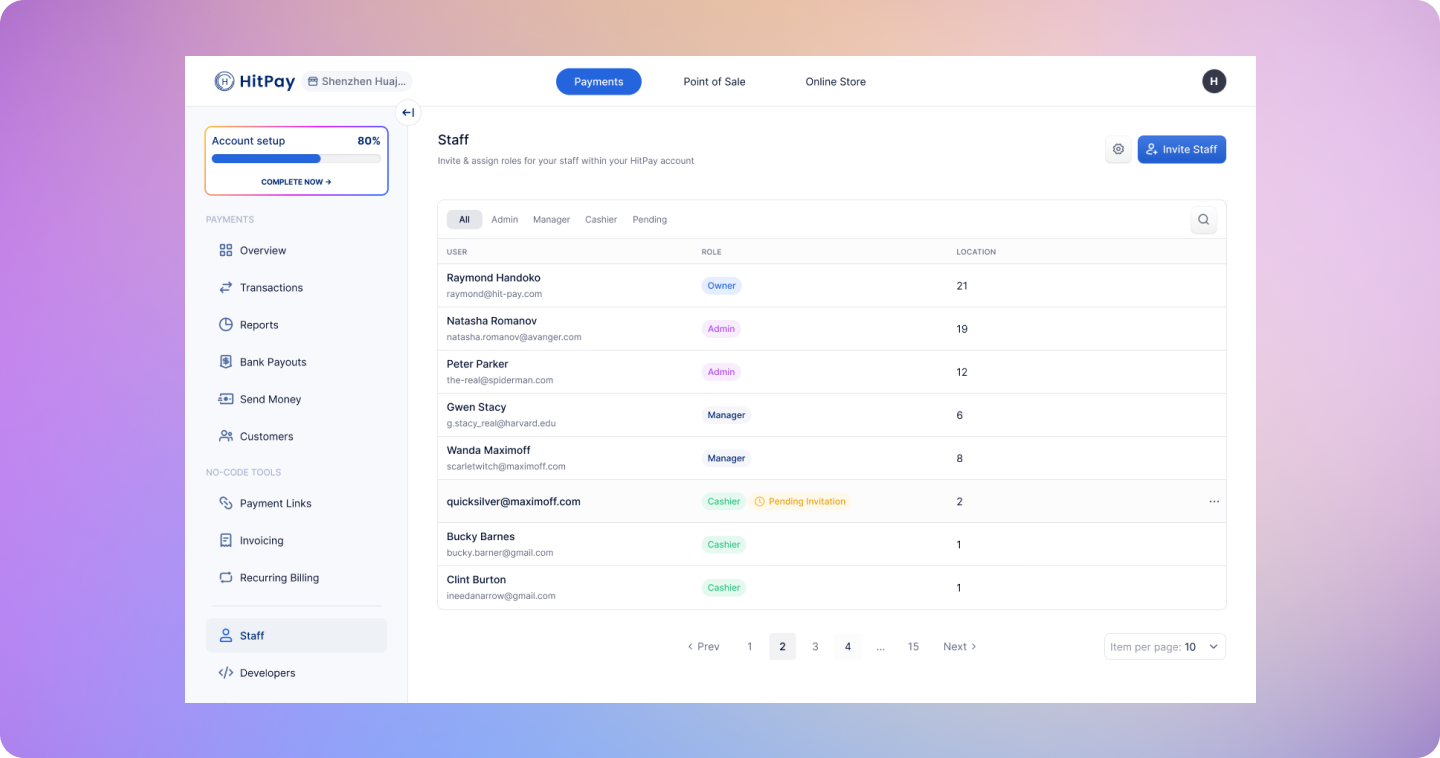 You can also access the user management system from the HitPay app.
* Log in to the HitPay mobile app on iOS or Android and go to the **Tools** tab.
* Click on **Users**
You can also access the user management system from the HitPay app.
* Log in to the HitPay mobile app on iOS or Android and go to the **Tools** tab.
* Click on **Users**
 ### Inviting Team Members
You have the ability to invite members of your team to access your HitPay account. New users can be invited via email, and it's essential to assign a specific role and location to each new user.
Before designating a role to a team member, familiarize yourself with the list of actions each role is permitted or restricted from performing. For more details, refer to the [list of permissions](#user-roles) associated with each role.
### Users Locations
Admins have access to all locations.
If you are using point of sale, you can assign users to specific locations. You can learn more about locations [here](https://hitpay.mintlify.app/pos/locations).
### Accepting an Invitation
Upon being invited to access HitPay as an Admin, Manager, or Cashier, the user will receive an email. By clicking "View Invitation," the invited user will be directed to create a user account. The invitee can then click the "Accept" button to start accessing HitPay.
### Inviting Team Members
You have the ability to invite members of your team to access your HitPay account. New users can be invited via email, and it's essential to assign a specific role and location to each new user.
Before designating a role to a team member, familiarize yourself with the list of actions each role is permitted or restricted from performing. For more details, refer to the [list of permissions](#user-roles) associated with each role.
### Users Locations
Admins have access to all locations.
If you are using point of sale, you can assign users to specific locations. You can learn more about locations [here](https://hitpay.mintlify.app/pos/locations).
### Accepting an Invitation
Upon being invited to access HitPay as an Admin, Manager, or Cashier, the user will receive an email. By clicking "View Invitation," the invited user will be directed to create a user account. The invitee can then click the "Accept" button to start accessing HitPay.