> ## Documentation Index
> Fetch the complete documentation index at: https://docs.hitpayapp.com/llms.txt
> Use this file to discover all available pages before exploring further.
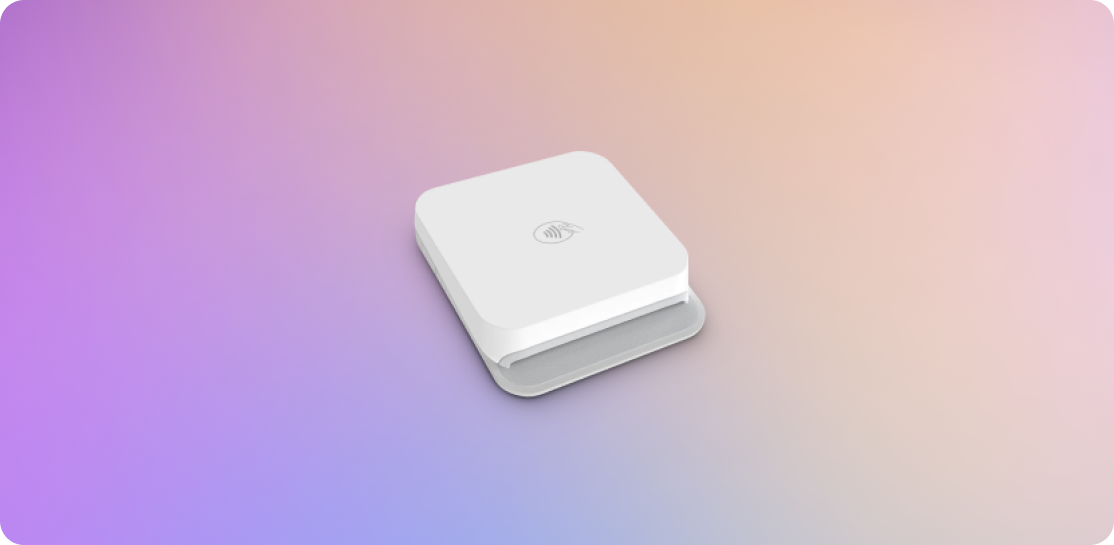
# M2 Reader
> Instructions on how to connect and use the M2 Reader with HitPay.
M2 Reader is only available in the US
## Overview
The M2 Reader is compatible with iOS, MacOS, and Android devices. It is designed for secure card transactions and offers enhanced security features.
 ## Steps to Connect
1. Download the HitPay app on your mobile device and sign in to your HitPay account.
2. Turn on your M2 Reader.
3. Ensure that Bluetooth and location services are enabled on your mobile app.
4. Open the HitPay App.
5. Navigate to the **Settings** tab > **Terminal** and select **"M2"**.
6. Choose your terminal based on the serial number.
7. Click **Pair** and wait for the automatic update to complete.
## Steps to Accept a Payment
To accept payment using the M2 Reader, follow these steps:
1. Make sure you’ve already completed the above steps to connect the M2 Reader.
2. Launch the HitPay App by opening it on your device. On the home page, enter the transaction amount and tap the Charge button to continue.
3. You can also add an invoice number, remarks, or any description under the Add Description field.
4. Choose the payment method from the list of available options. Select "Card Terminal" as the payment method and follow the prompts.
5. You should be prompted to either tap or insert the customer’s card into the terminal. After tapping or inserting the card, wait for the payment success message to appear in the HitPay App.
## FAQs
Yes, you can import your products from Shopify or WooCommerce. Refer to [this](plugins/overview) section for more details.
No, your inventory is not on hold. HitPay will only update the inventory of the order once the payment link is completed.
On a full charge, the M2 reader lasts about 1 day (approximately 600 transactions).
## Steps to Connect
1. Download the HitPay app on your mobile device and sign in to your HitPay account.
2. Turn on your M2 Reader.
3. Ensure that Bluetooth and location services are enabled on your mobile app.
4. Open the HitPay App.
5. Navigate to the **Settings** tab > **Terminal** and select **"M2"**.
6. Choose your terminal based on the serial number.
7. Click **Pair** and wait for the automatic update to complete.
## Steps to Accept a Payment
To accept payment using the M2 Reader, follow these steps:
1. Make sure you’ve already completed the above steps to connect the M2 Reader.
2. Launch the HitPay App by opening it on your device. On the home page, enter the transaction amount and tap the Charge button to continue.
3. You can also add an invoice number, remarks, or any description under the Add Description field.
4. Choose the payment method from the list of available options. Select "Card Terminal" as the payment method and follow the prompts.
5. You should be prompted to either tap or insert the customer’s card into the terminal. After tapping or inserting the card, wait for the payment success message to appear in the HitPay App.
## FAQs
Yes, you can import your products from Shopify or WooCommerce. Refer to [this](plugins/overview) section for more details.
No, your inventory is not on hold. HitPay will only update the inventory of the order once the payment link is completed.
On a full charge, the M2 reader lasts about 1 day (approximately 600 transactions).