> ## Documentation Index
> Fetch the complete documentation index at: https://docs.hitpayapp.com/llms.txt
> Use this file to discover all available pages before exploring further.
# TrueMoney
> Popular Ewallet QR in Thailand
## Overview
| Detail | Description |
| :--------------------------------------------------------------------------------------- | :------------------------------------------------ |
| Fund Credit To | HitPay Wallet |
| Charge Confirmation | T+3 |
| Presentment Currency | THB |
| Settlement Currency | THB |
| Minimum Amount | THB 100 |
| Maximum Amount | THB 500,000 (\~US\$14,000) |
| Daily Limit | Bank-specific limits (Please consult your bank) |
| Refund Supported | ✓ |
| Supported for online transactions | ✓ |
| Supported for in-person transactions (Embedded QR Code) | ✓ |
| Supported Countries | ALL (Cross-border Payment Method) |
| Transactions Fees | [Contact Sales](https://hitpayapp.com/contact-us) |
## Setup
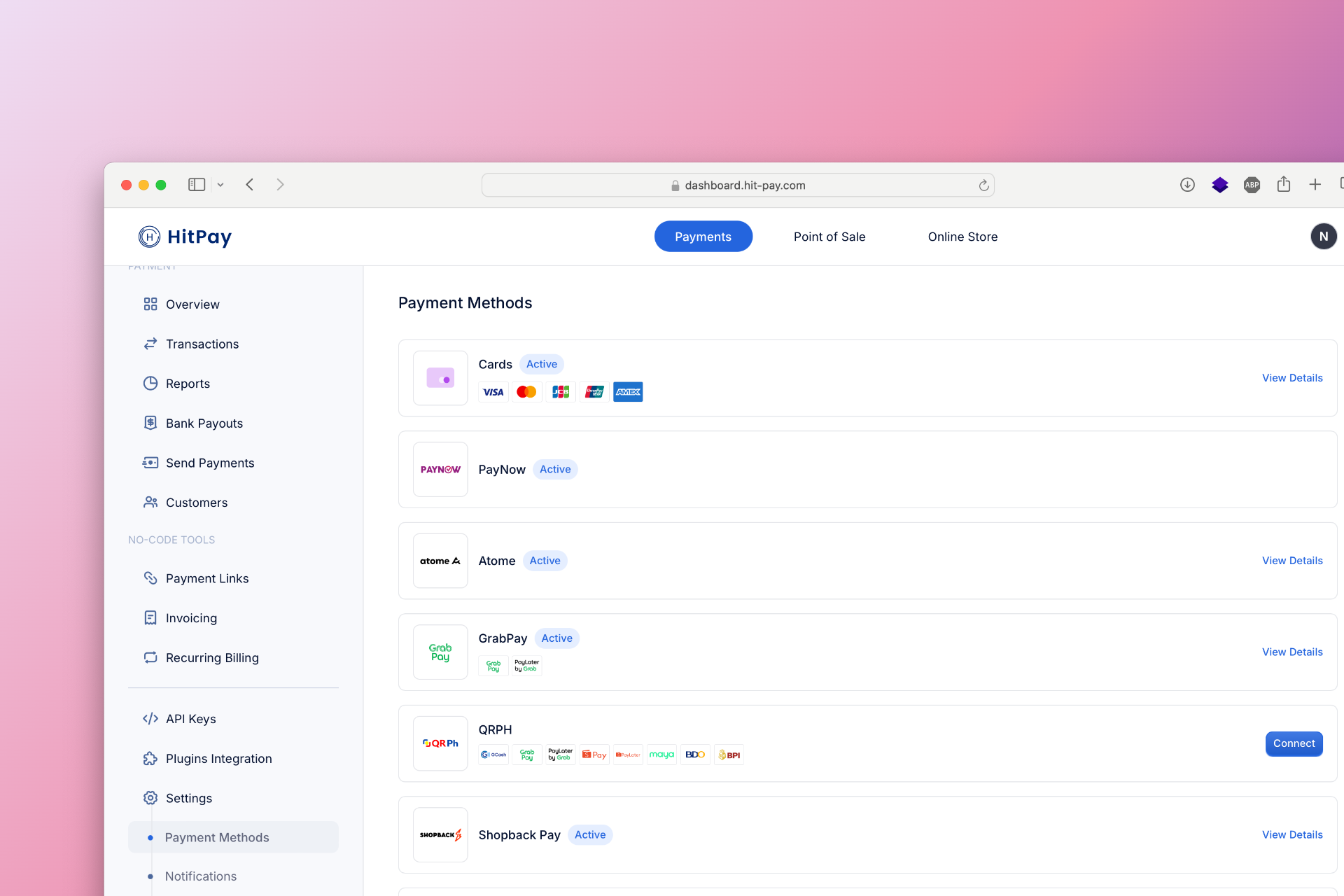
To set up TrueMoney as a payment method, follow these steps:
1. Navigate to **Settings** in your HitPay dashboard.
2. Click on **Payment Methods**.
3. Enable **PromptPay** and configure the necessary options.
 ## Developer Section
| Feature | Description |
| -------------------- | ------------------- |
| Method Code | `opn_true_money_qr` |
| Sandbox Testing | ✕ |
| Refund API Support | ✓ |
| Supports Embedded QR | ✓ |
| Drop-in UI Support | ✓ |
## FAQs
Coming soon. Please contact our support team if you have any questions - we are here to help.
## Developer Section
| Feature | Description |
| -------------------- | ------------------- |
| Method Code | `opn_true_money_qr` |
| Sandbox Testing | ✕ |
| Refund API Support | ✓ |
| Supports Embedded QR | ✓ |
| Drop-in UI Support | ✓ |
## FAQs
Coming soon. Please contact our support team if you have any questions - we are here to help.