> ## Documentation Index
> Fetch the complete documentation index at: https://docs.hitpayapp.com/llms.txt
> Use this file to discover all available pages before exploring further.
# QRIS
> Popular QR in Indonesia
## Overview
| Detail | Description |
| :--------------------------------------------------------------------------------------- | :--------------------------------------------------------------- |
| Fund Credit To | HitPay Wallet |
| Charge Confirmation | T+1 (Cross-border), T+2 (Local) |
| Presentment Currency | IDR |
| Settlement Currency | IDR |
| Minimum Amount | IDR 20 |
| Maximum Amount | IDR 10,000,000 |
| Daily Limit | Bank-specific limits (e.g. IDR 25,000,000 (\~US\$1,625) for BCA) |
| Refund Supported | ✓ |
| Supported for online transactions | ✓ |
| Supported for in-person transactions (Embedded QR Code) | ✓ |
| Supported Countries | ALL (Cross-border Payment Method) |
| Transactions Fees (Local) | [See Pricing Page](https://hitpayapp.com/pricing) |
| Transactions Fees | [Contact Sales](https://hitpayapp.com/contact-us) |
{/*
## User Experience
Watch this video to see how the PayNow payment experience looks:
-->
*/}
## Setup
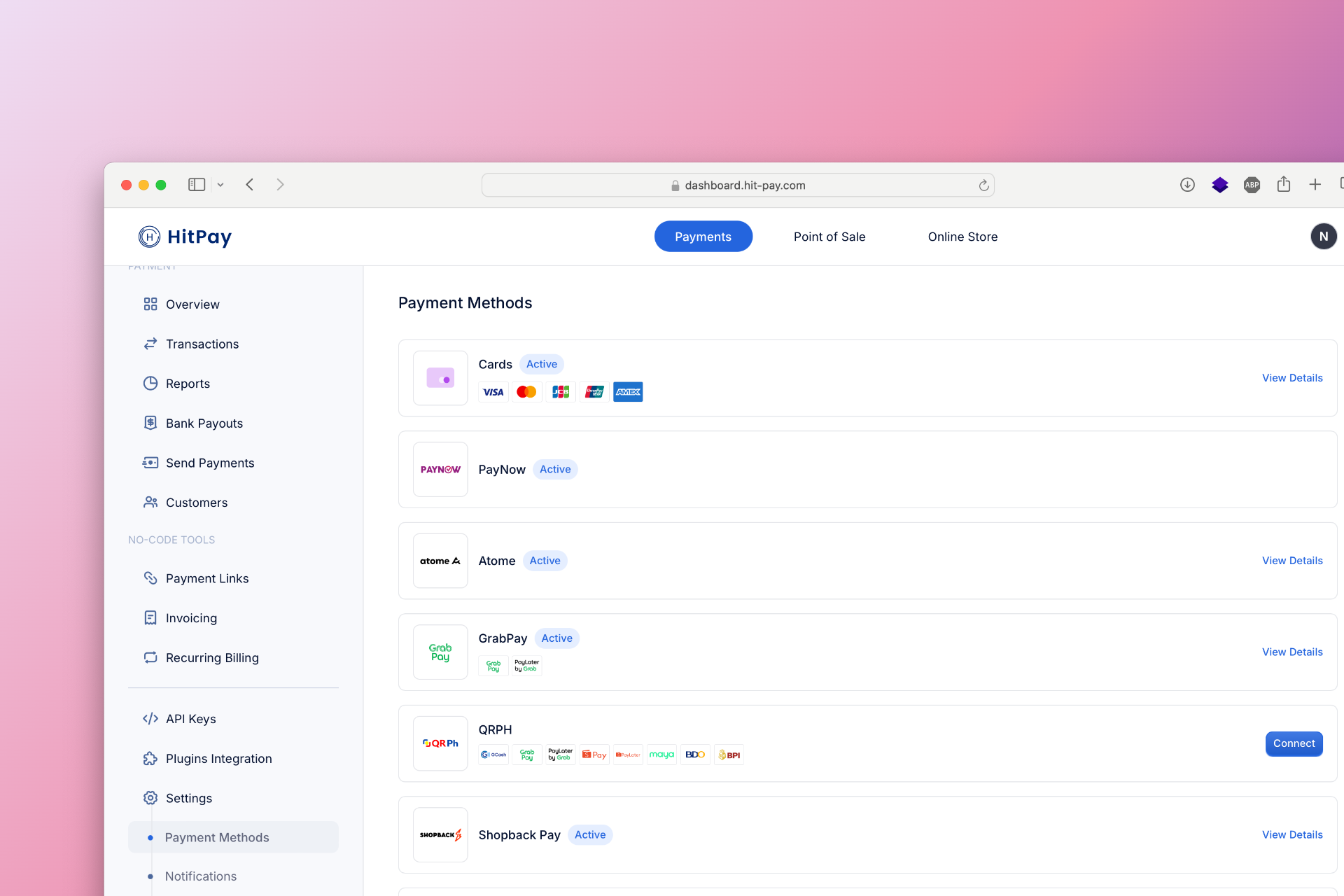
To set up QRIS as a payment method, follow these steps:
1. Navigate to **Settings** in your HitPay dashboard.
2. Click on **Payment Methods**.
3. Enable **QRIS** and configure the necessary options.
## Developer Section
| Feature | Description |
| -------------------- | ------------ |
| Method Code | `ifpay_qris` |
| Sandbox Testing | Available |
| Refund API Support | ✓ |
| Supports Embedded QR | ✓ |
| Drop-in UI Support | ✕ |
### API Testing in Sandbox
Developers can test QRIS integration in the sandbox environment to ensure smooth processing. Use the HitPay API to simulate transactions and verify payment confirmation and error handling mechanisms.
## FAQs
Coming soon. Please contact our support team if you have any questions - we are here to help.
 ## Developer Section
| Feature | Description |
| -------------------- | ------------ |
| Method Code | `ifpay_qris` |
| Sandbox Testing | Available |
| Refund API Support | ✓ |
| Supports Embedded QR | ✓ |
| Drop-in UI Support | ✕ |
### API Testing in Sandbox
Developers can test QRIS integration in the sandbox environment to ensure smooth processing. Use the HitPay API to simulate transactions and verify payment confirmation and error handling mechanisms.
## FAQs
Coming soon. Please contact our support team if you have any questions - we are here to help.
## Developer Section
| Feature | Description |
| -------------------- | ------------ |
| Method Code | `ifpay_qris` |
| Sandbox Testing | Available |
| Refund API Support | ✓ |
| Supports Embedded QR | ✓ |
| Drop-in UI Support | ✕ |
### API Testing in Sandbox
Developers can test QRIS integration in the sandbox environment to ensure smooth processing. Use the HitPay API to simulate transactions and verify payment confirmation and error handling mechanisms.
## FAQs
Coming soon. Please contact our support team if you have any questions - we are here to help.